Follow your curiosity.
Walk the harbor, discover a garden, find a quiet place by the water.
 Finalverse
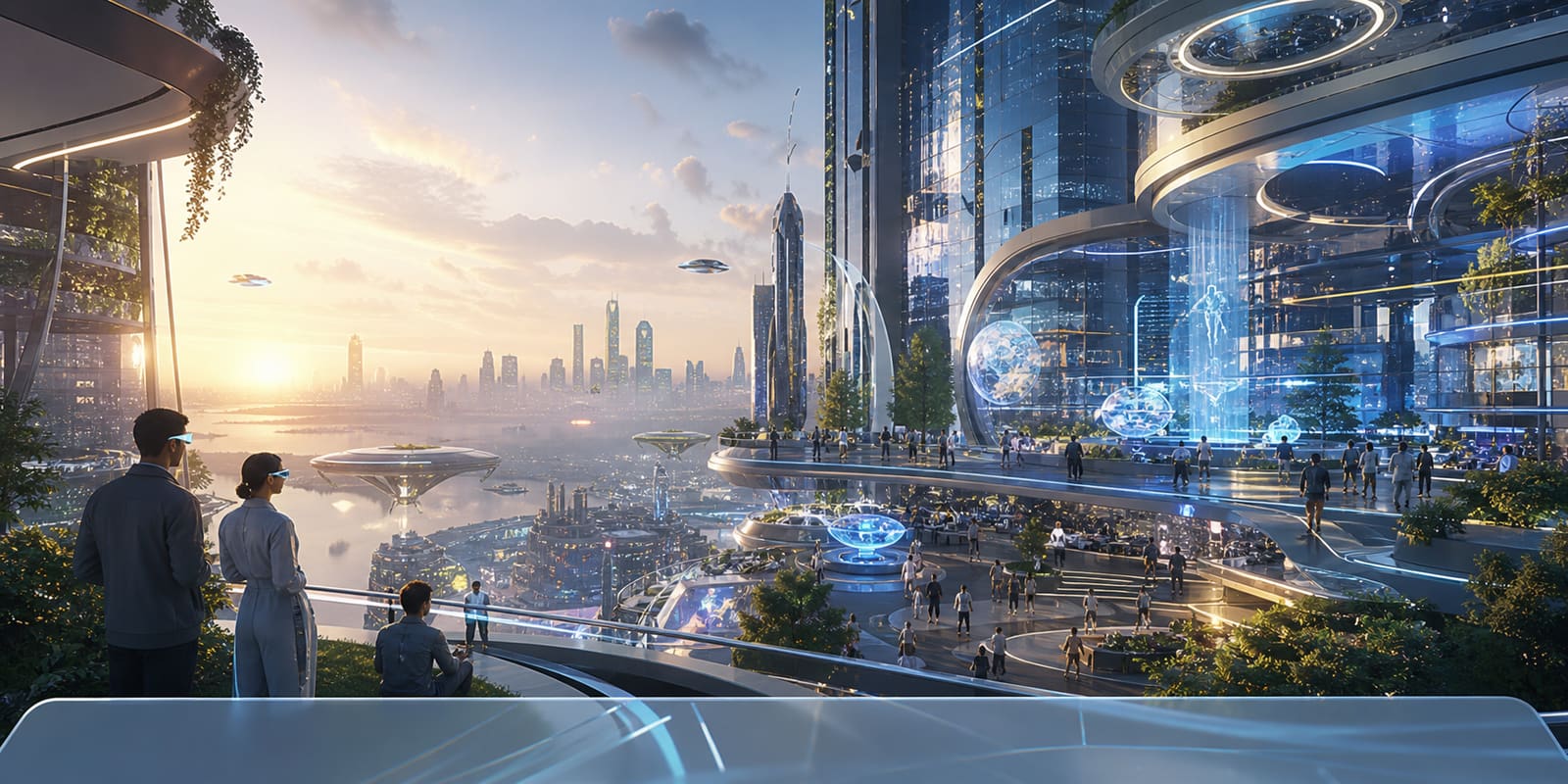
An AI-native persistent world
Explore with friends. Meet AI citizens. Turn an idea into a place you can return to.
Mac developer preview · Limited world preview · One MutSea account
Future-world concept illustration. Native development captures below.
Stay curious
A world becomes meaningful when there is someone to meet, something to make, and a reason to come back.
Welcome to Finalverse
A persistent 3D world where people and AI citizens share space, conversation and creation.
Our desktop client connects to MutSea, the spatial runtime that keeps identities, objects and world history. The current development world is small. The ambition is to make it yours.
The idea behind Finalverse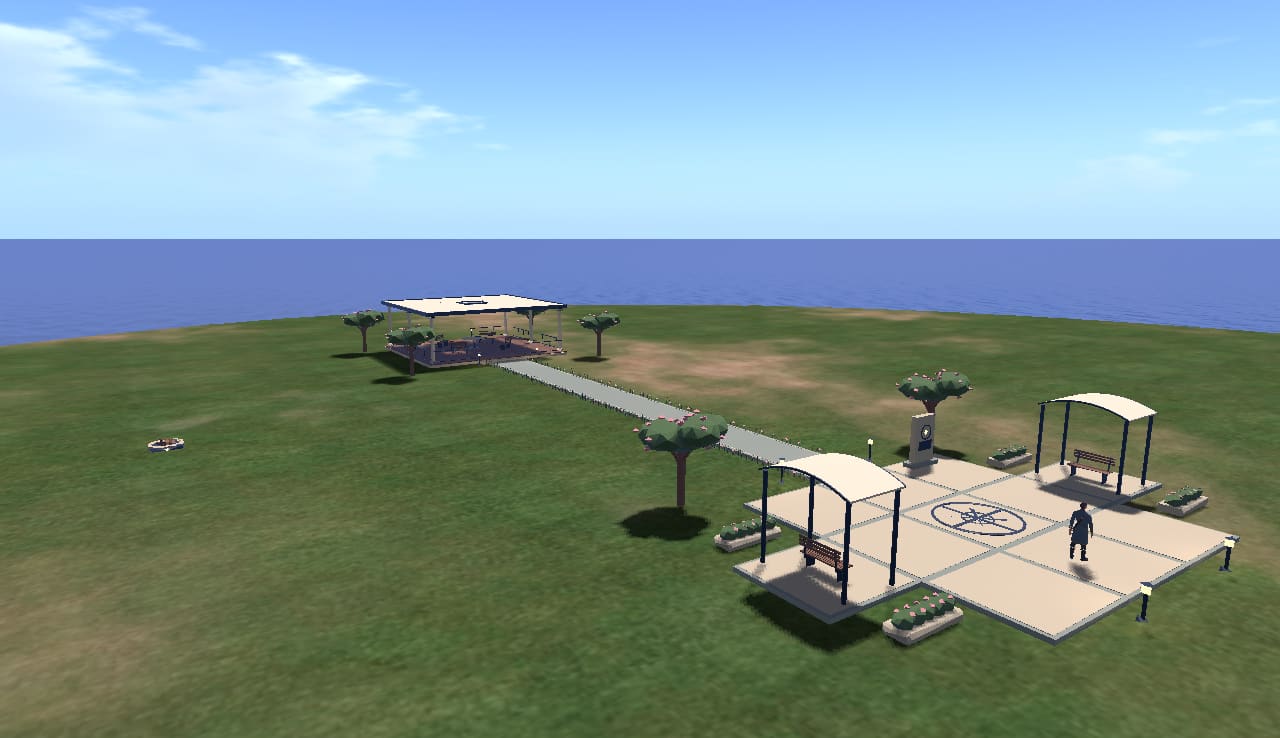
Walk the harbor, discover a garden, find a quiet place by the water.
Share a place with people and meet persistent AI citizens such as Lumi.
Shape a home or compose a gathering place. Your changes belong to a persistent world.
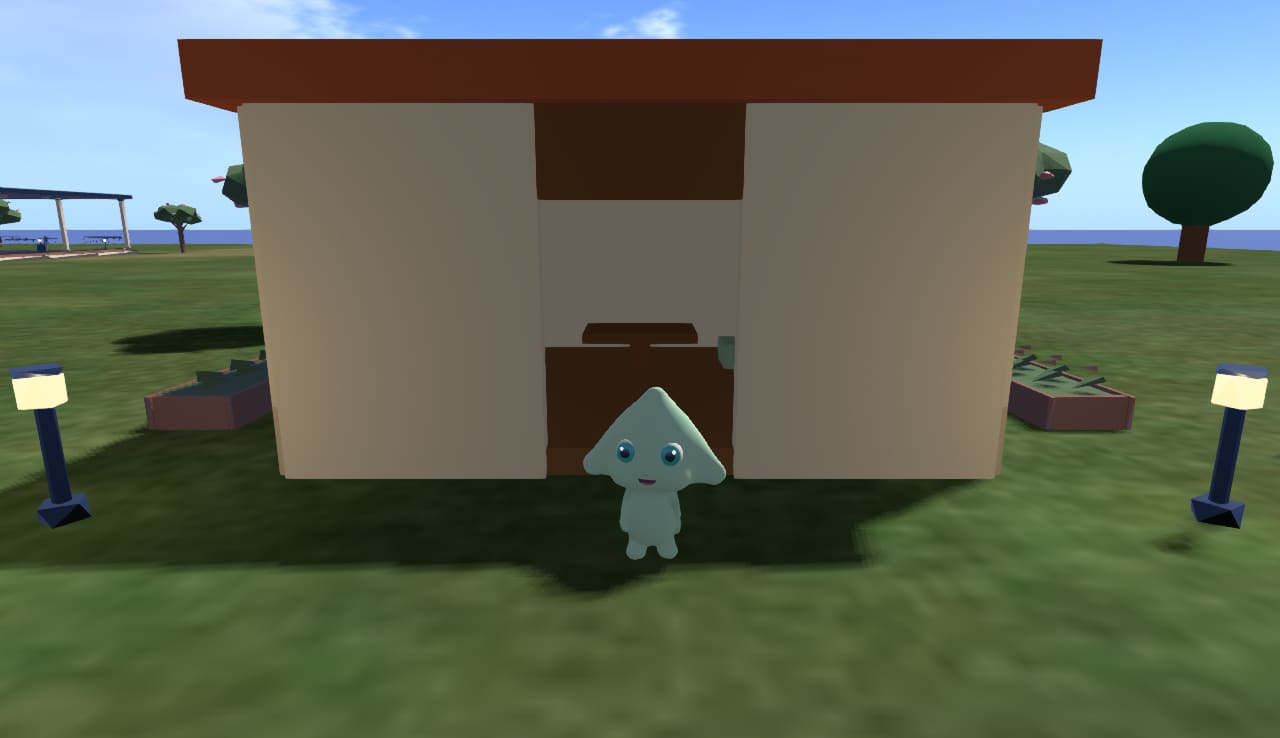
Meet Lumi
Lumi has an identity, a memory, a home and a garden.
In our development world, she walks, greets visitors and tends her garden. Her identity persists across restarts. We are extending that foundation into a companion who helps you build, one approved change at a time.
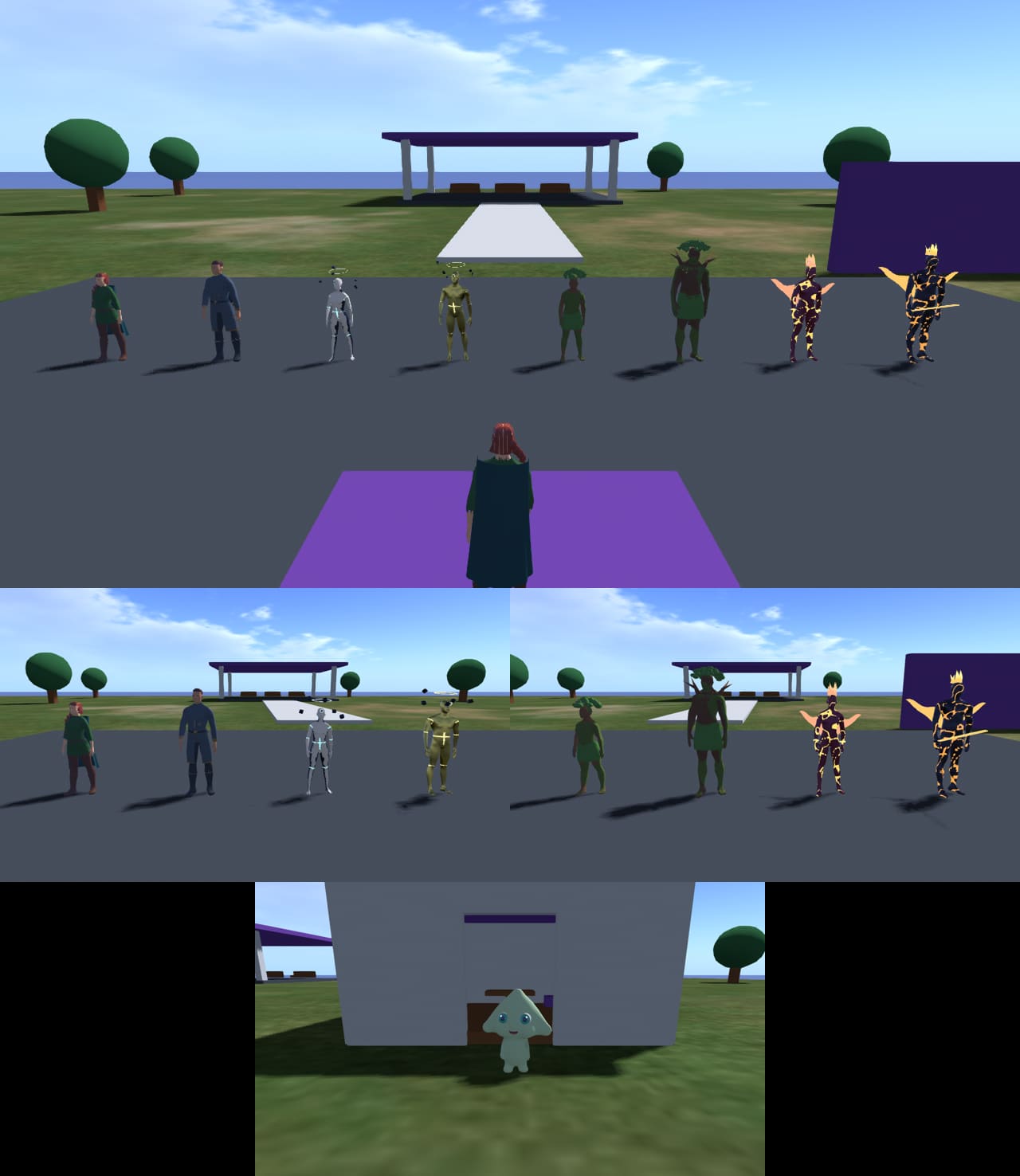
Create with LumiGenesis characters
Nine original character templates, from human explorers to elemental beings. Built for the same world, with distinct identities.
The first neighborhood
A beacon at the arrival plaza. A pavilion to gather in. A lakeside overlook. Lumi’s cottage garden. The beginnings of a shared place.
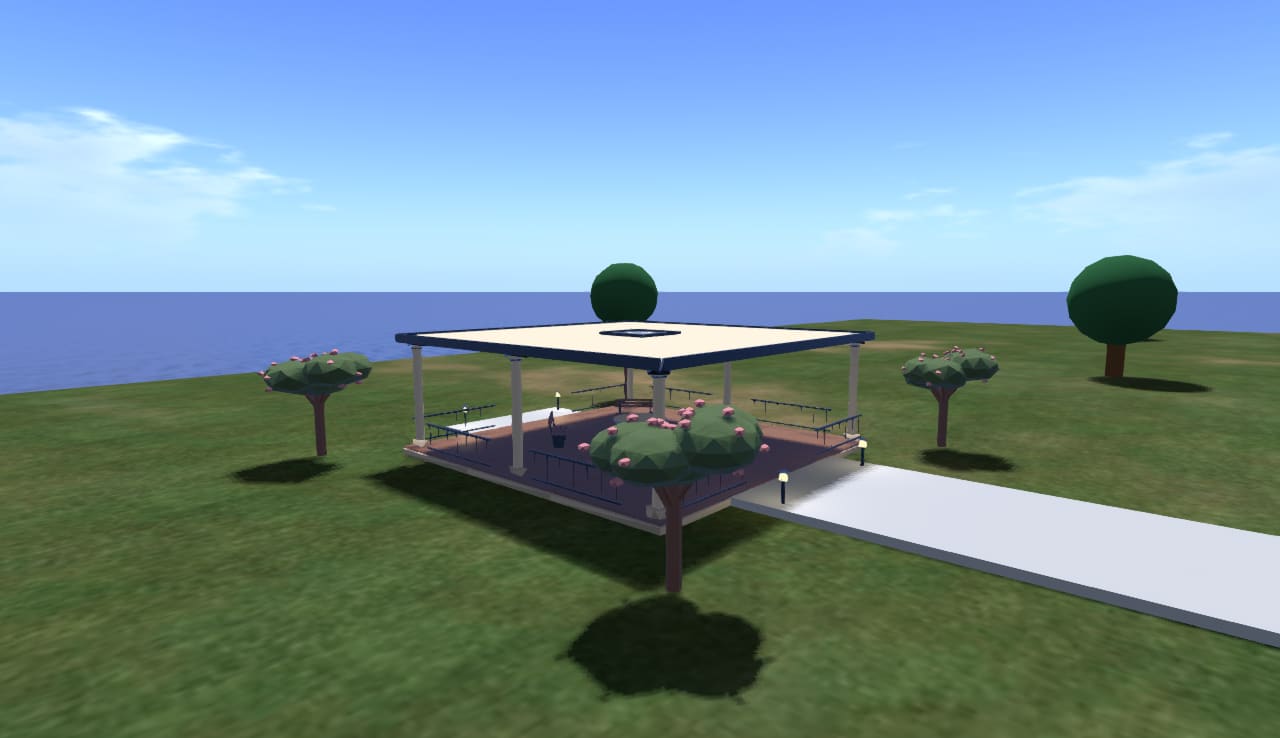
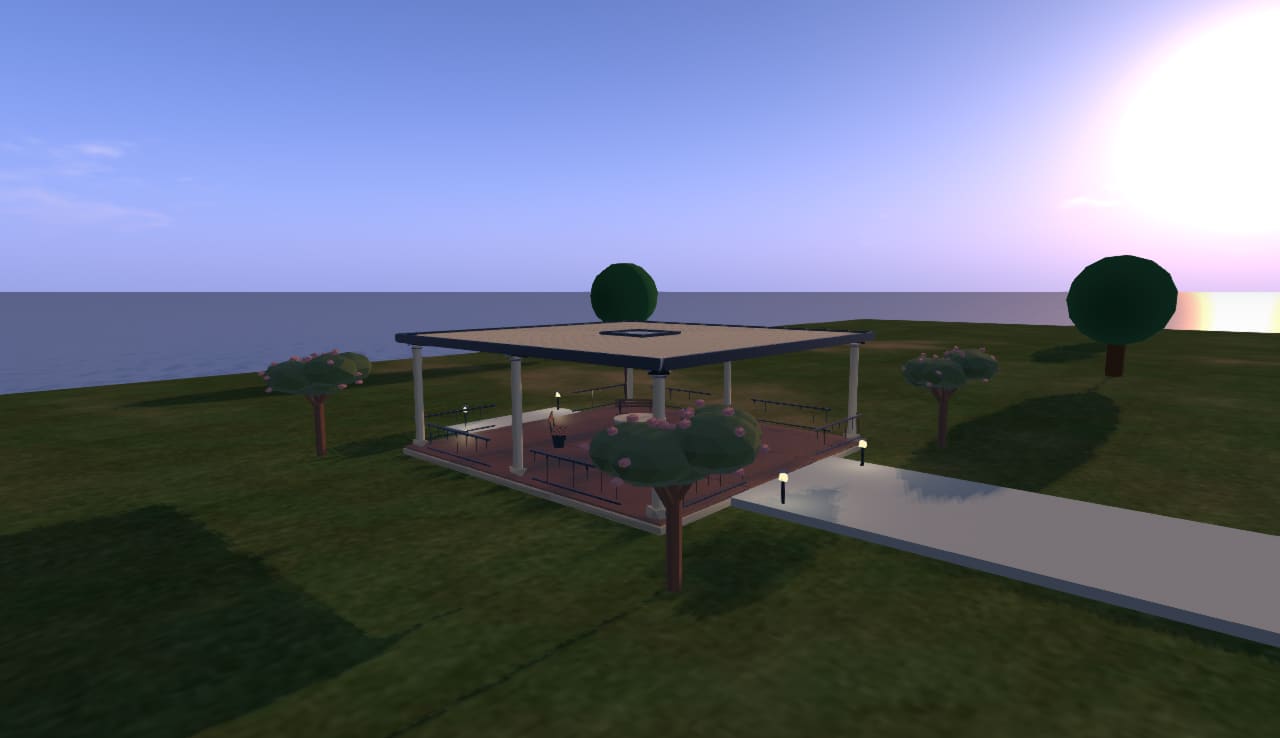
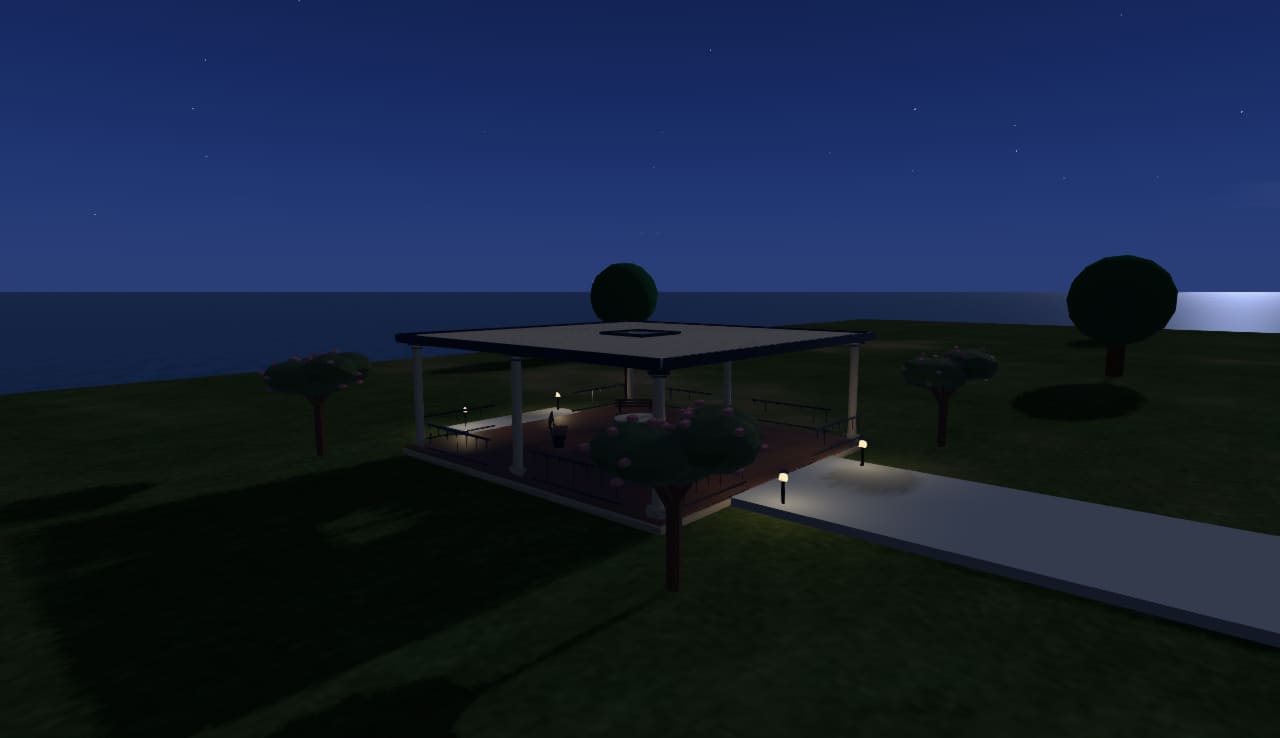
Places from a sentence / In development
“A picnic spot for six, near the water.”
Lumi proposes a layout using an approved content library. You review the plan. The world checks the placement and permissions. You approve the build, inspect the result and can undo the operation.
Save a recipe. Remix it into something of your own. The hosted Mac creation/Undo workflow has passed native acceptance. See the actual demo and its limits.
How MutSea keeps changes accountableExample workflow
“A quiet picnic spot for six.”

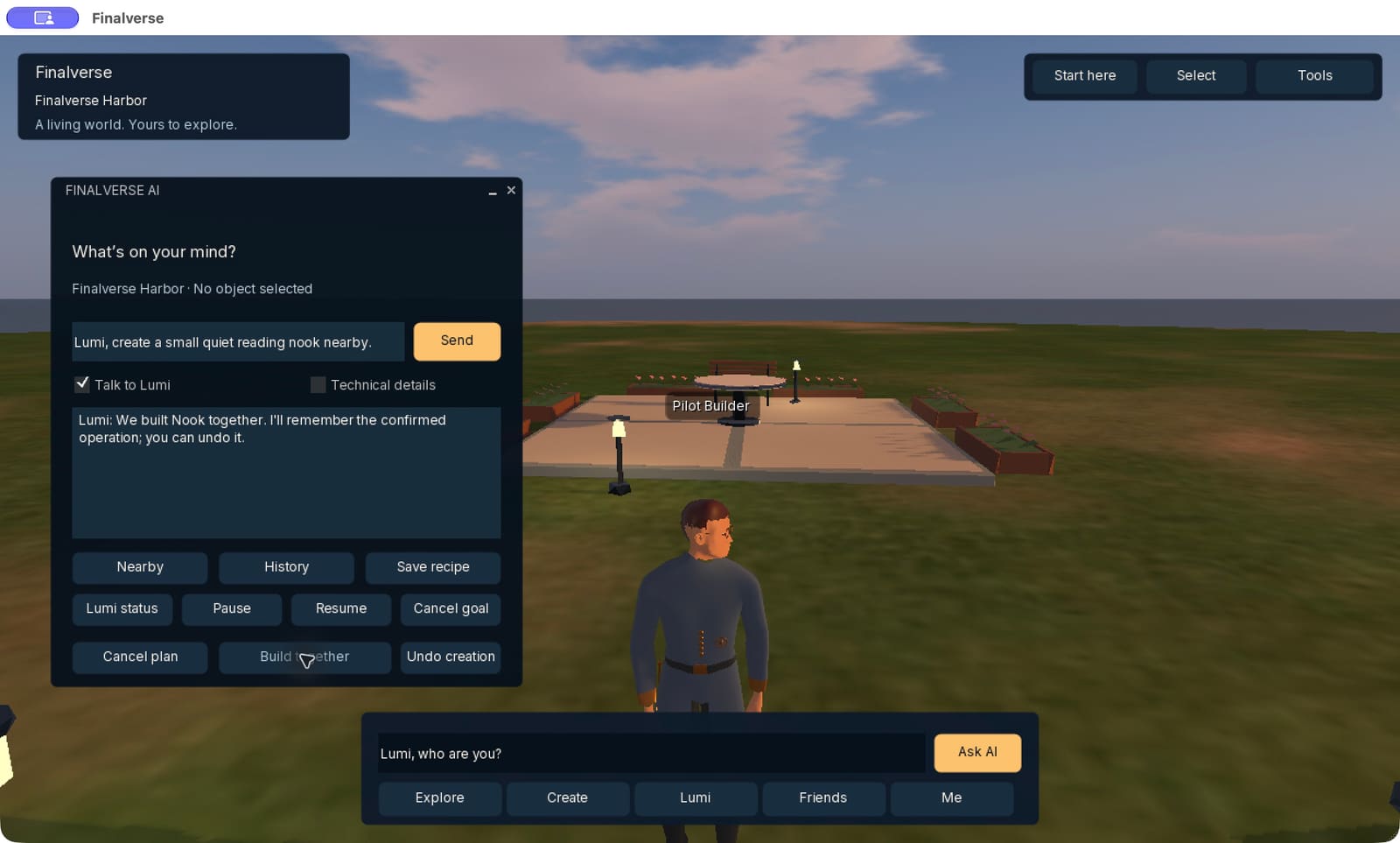
Latest working demo
147 native parts, built only after approval. Persistent goals and memory. A recorded operation that can be reversed.
The hosted test returned from 570 scene parts to its 423-part baseline after Undo. See the actual captures and a captioned recap.
Watch the native testBuild the first chapter with us
Start with your own avatar and a place to arrive. Explore the starter world, try the creation tools and help shape what comes next.
Choose your avatar name and starter character. MutSea provisions your appearance and home before enabling login.
The Mac developer preview is downloadable from GitHub. Registration is limited while we test capacity and first visits.
Before you arrive
The experimental Mac preview is available from GitHub. Create a world account through MutSea, wait for provisioning, then use the same First Last name and password in Finalverse. Preview capacity is limited; registration pauses when the world is unavailable.
The working experience is a desktop viewer. macOS is the current product focus. Wider desktop, mobile and browser access are part of the longer-term direction, not additional platform downloads offered today.
For the creation workflow, AI proposes a structured plan. The world validates it and the person approves the build. Operations are recorded, with Undo where supported.
Finalverse is the people-facing world experience. MutSea is the persistent spatial runtime behind it. It is also the foundation we are developing for reusable worlds, communities and creator tools.